Oauth2 gmail slightly urgent help needed

Dear all

For years I’ve been using cfmail to send mails out of my Lucee apps via google workspace at smtp.gmail.com using basic authentication but:

Starting March 14, 2025, Google Workspace accounts will only allow access to apps using OAuth. Password-based access (with the exception of App Passwords) will no longer be supported. POP and IMAP are NOT going away and can still be enabled with apps that connect using OAuth.

oauth2 is not a complete mystery to me in as much as I have implemented it successfully with some other APIs using Matt Gifford’s library so that part of it doesn’t look too hard, but as far as I can see, to actually send mails, they have to go in a POST containing a json packet containing the multipart MIME message, and these look like they’re fiddly things to create and what I suppose cfmail has always done for me.

So… this is where I hope someone can help:

Can CFMAIL be arranged to connect using OAuth? - If it can, this seems like it might be the simplest solution.

or…

Is there a library out there which does something like CFMAIL but outputs something digestible to google workspace?

or…

Should I abandon google workspace and use another provider to send mails out of my apps using CFMAIL like I always have. If so, then I’d welcome suggestions. (They do need to appear to come from someone@mydomain.com)

Thanks for your help.

Richard

While you and others pursue those options you outlined, did you catch that quite saying that use of “app passwords” is not going away? Have you tried that, whether before or now? It works pretty easily: you create one in Google and use that as “the password” for your mail server configuration in Lucee (or ACF).

PS I do realize this is “kicking the can down the road” and that oauth is better in the long run. I did preface it with “while you” pursue those other options, especially given the fast-approaching deadline. :slight_smile:

1 Like

Thanks, no, I haven’t tried it - I will, today.

Along the same lines, where google say: POP and IMAP are NOT going away, I did come across a snippet of conversation elsewhere which said: you make an HTTP call to their authentication service, and it will spit back a token that expires after a few minutes or a few hours. You then use your normal CFMAIL to send out the message, but use the token as the password instead of the normal password.

Since it usually is fairly easy to get & manage oauth2 access & renewal tokens, this sounds like an even better way of doing it with cfmail than an app password, but I’m not sure I want to spend hours trying to see if this actually works unless someone out there knows it’s a workable solution…

Thanks

Richard

Well, it looks like the App Passwords solution works perfectly well with cfmail, just need to do a few tweaks to existing code and all should be good for a while.

Thanks

Richard

.

1 Like

Great to hear, and glad to have helped. Of course, your original question is still a good one, and perhaps in time others will offer more about that here.

So Google no longer allows App passwords. Dead.

Anyone have an OAuth example that works?

Where did you see that Google no longer allows App passwords? They are still working here and I don’t see any announcements to that effect - do you have a link?

Two places.

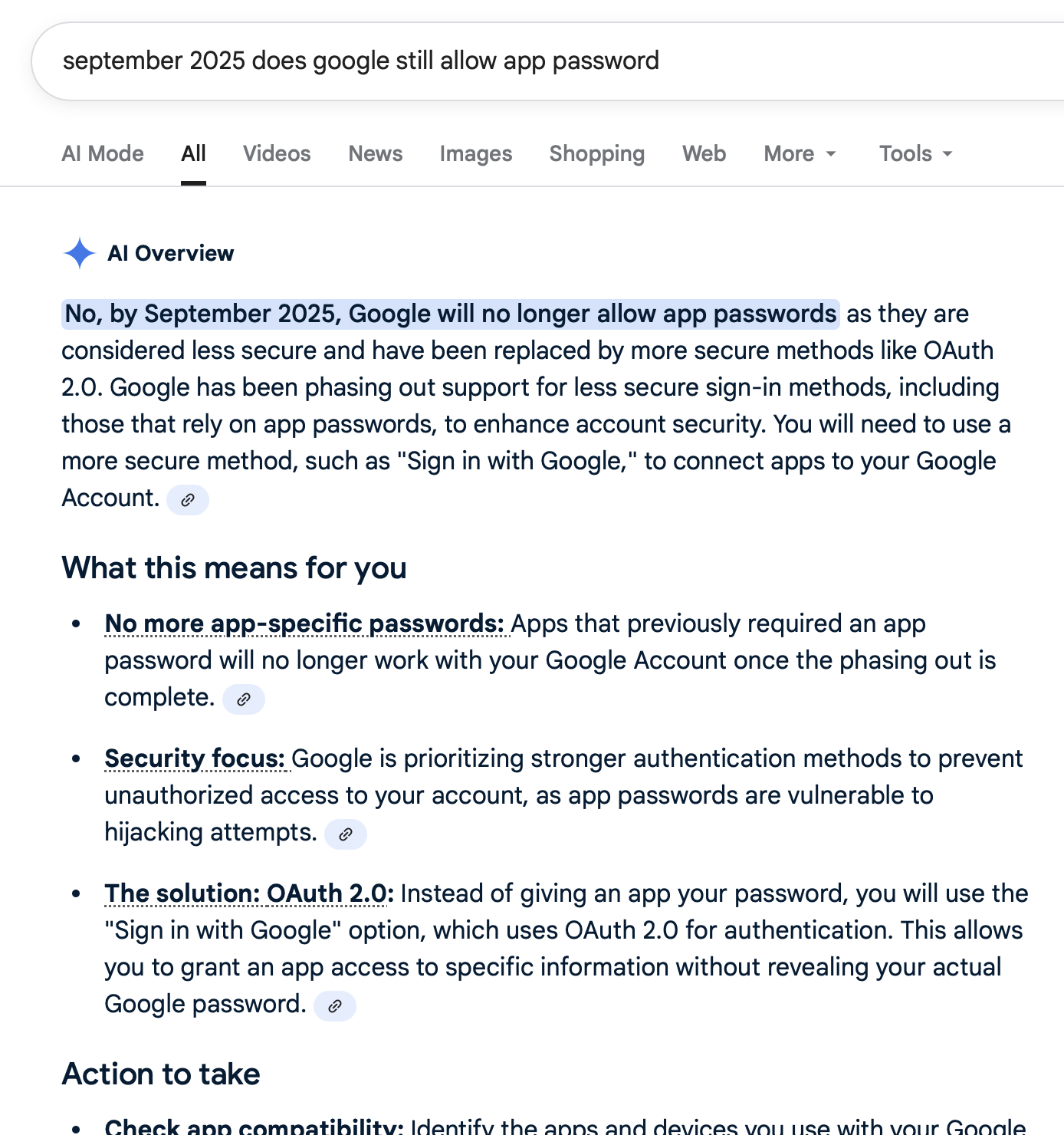
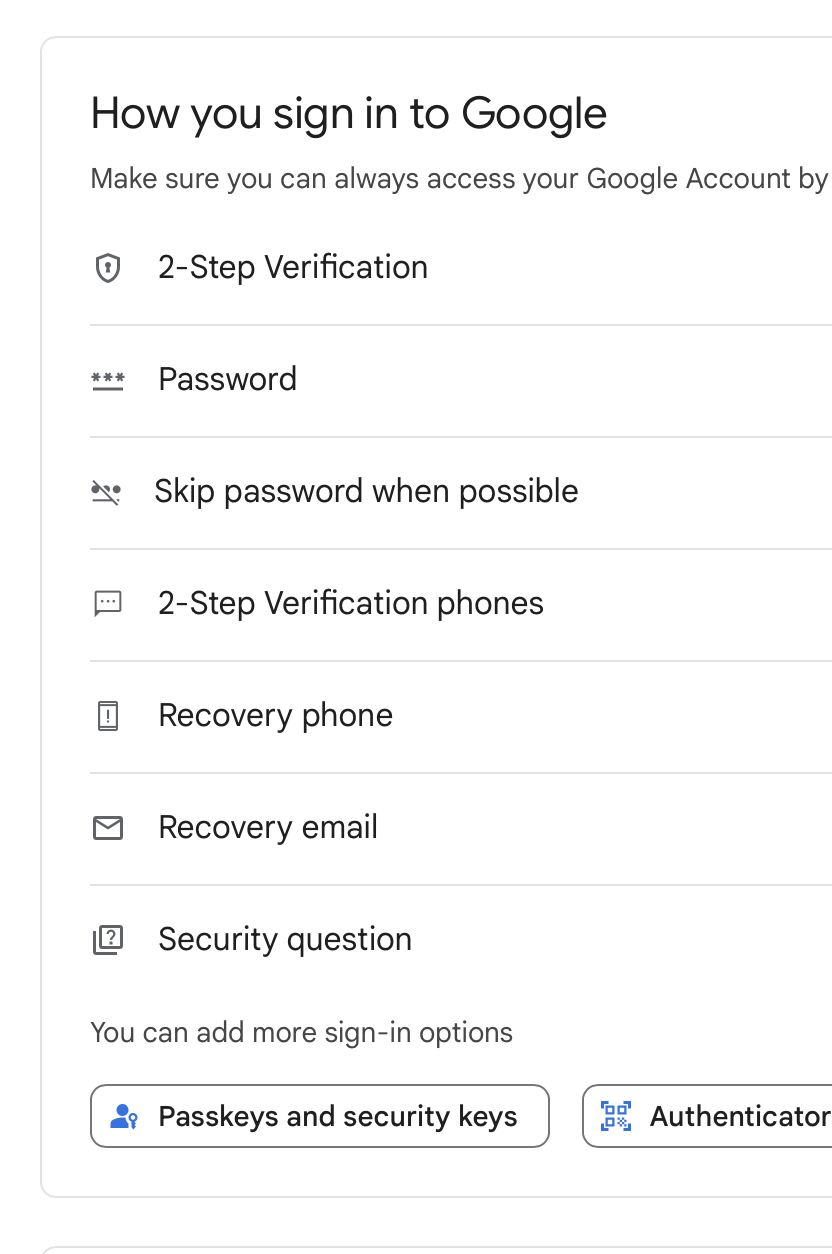
First, in my Google account there is no longer an option to generate an app password. Maybe they still work, but you cannot create one.

Second, AI via Google (as much trust as you place in that). But I would say it’s probably not wrong in this case.

Screen shots attached.


Thanks! The only (non AI generated) link I could find was this one:

which says this:

You will no longer use a password for access (with the exception of app passwords)

I hope you;re incorrect because we’ll have to really scramble…

Derrick, as with the original question above (in February), there are two aspects to things: whether you can use app passwords, then whether you can use oauth for cfmail instead. Let’s take them one at a time.

1 - FWIW I was just able to create an app pwd (at https://myaccount.google.com/app passwords). There was nothing there saying the ability was being removed.

Same at the doc page about it, Sign in with app passwords - Google Account Help

And to be clear, I do use one and that page above shows it having been accessed in the past hour. (To be clear, you do have to enable MFA on the Google account to be able to enable app passwords.)

1a - FWIW, this discussion has been going on for years, with someone finding something that says they are or have been disabled…and yet they keep on working. Surely Google WANTS people to use oauth when possible, and the many (many) different client apps and platforms that rely on app passwords should indeed be updating to support oauth. And just as surely, some will not bother…and at some point those will be left out in the cold.

It doesn’t seem that day has come yet, but the end of the road is coming around some corner.

2 - As for using oauth and Gmail, there have been other discussions here offering solutions for Lucee.

For now, Lucee doesn’t offer cfoauth like acf does (and in recent years supports oauth2). So some discussions refer to using libraries to offer that, like Matt Gifford’s:

As for the general concepts of using oauth with cfmail, some resources may reference using MS rather than Google, but the general concepts can be helpful, such as Check email on O365 with OAuth

And even though showing using cfoauth with ACF, there’s code and concepts here:

https://helpx.adobe.com/coldfusion/kb/authenticate-imap-pop-smtp-connection-oauth.html#smtp

As well as Ray’s 2024 article:

Or maybe someone will offer something more specific for your and Richard’s original request.

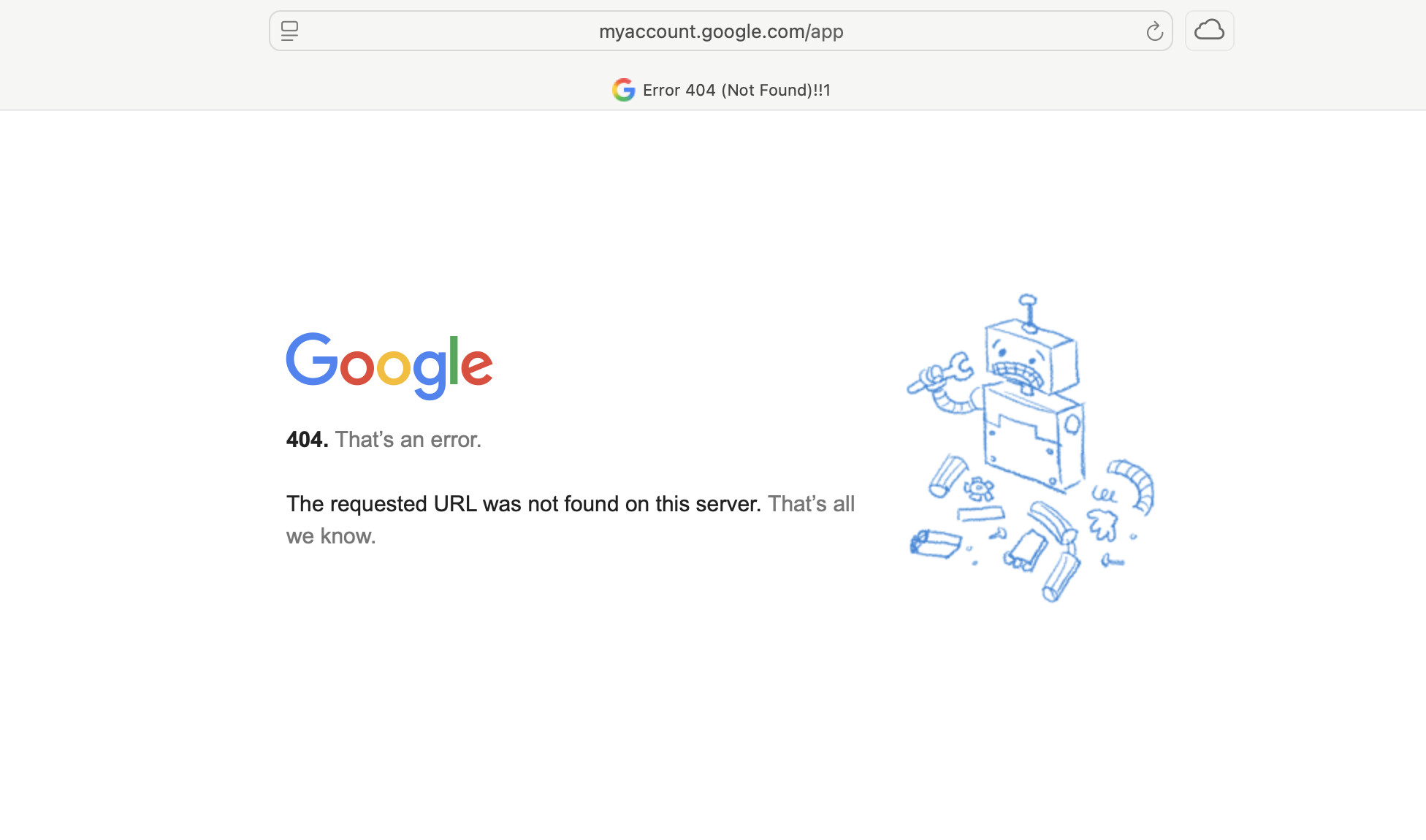
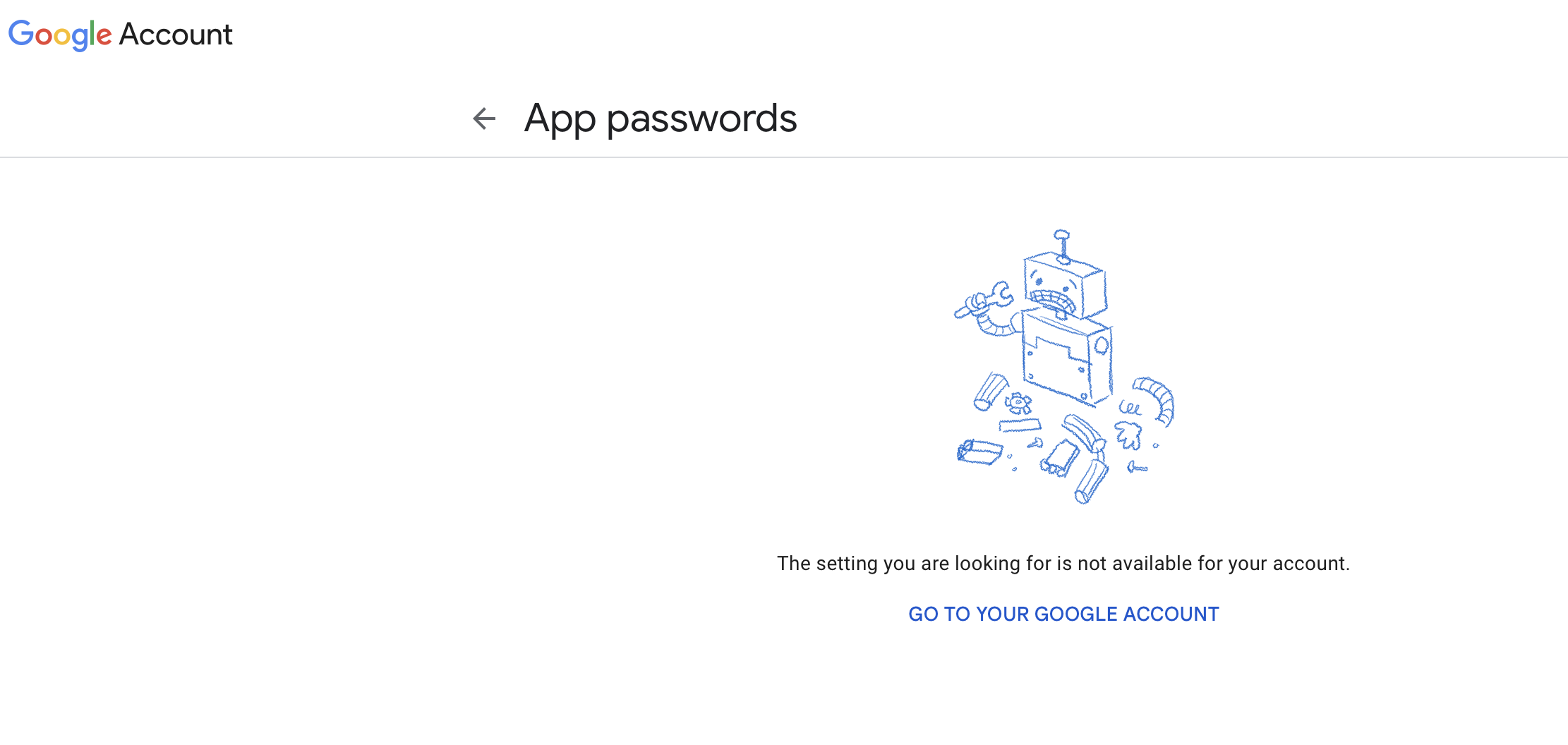
When I try to access https://myaccount.google.com/app this is the result

What I suspect is that this is still an option IF you have already done this. But as of now, there is no ability to access this or create it on my google account.

I have the task of sending email for a client from a CF app. That email needs to come from their domain but for reasons I won’t go into here, I cannot change my Lucee mail server settings just for this client.

So, as of now it looks like I need to dive into OAuth.

Please tell me I am wrong, because I really don’t want to be right.

I hope I am incorrect as well. But as I posted to Charlie, I think this is not available for new accounts or for accounts that have not already set up an app password.

Ok. That addresses my point 1. Seems it is what it is.

How about my point 2?

Could you not use an email service such as

to send from your clients domain?

I know that you said you cannot change you Lucee mail server settings, but you can do this at the application level, or even within the cfmail call itself.

This might be simpler than doing all the oauth integration just to send an email.

As suggested earlier, are you sure you have MFA enabled on the account?

You definitely can’t use app passwords without it.

…I’ve been using google workspace for 15 years and still struggle with its grillions of settings…

Richard

I haven’t yet explored those libraries or code examples.

Yes, MFA is enabled.

SO… the email being used for this client is a GMAIL address. In other words, I need to send out an email from the CF app, from the GMAIL address.

The whole issue here is that you can no longer use to do that as Google will not accept the message.

I control the whole stack, so it’s not that I cannot change the server settings, it’s that the server already has an SMTP connection and it’s not a GMAIL connection. And to answer the next question, no I cannot send a GMAIL message through that account. In other words, account@somedomain.com cannot send the email message and have a “reply-to” as another@domain.com if you want the mail to be seen as legit and not spam. The client wants the email sent from the GMAIL account. Lucee’s settings allow for multiple SMTP connections, but it uses them in the order in which they are listed, I cannot specify it to use connection number X and even if I could, Google / GMAIL sees the Lucee connection as unauthorized.

Right - yes I can see how sending from a gmail.com address would be a problem. I am too used to everyone have their own domain, so made that assumption.